Tic-Tac-Toe
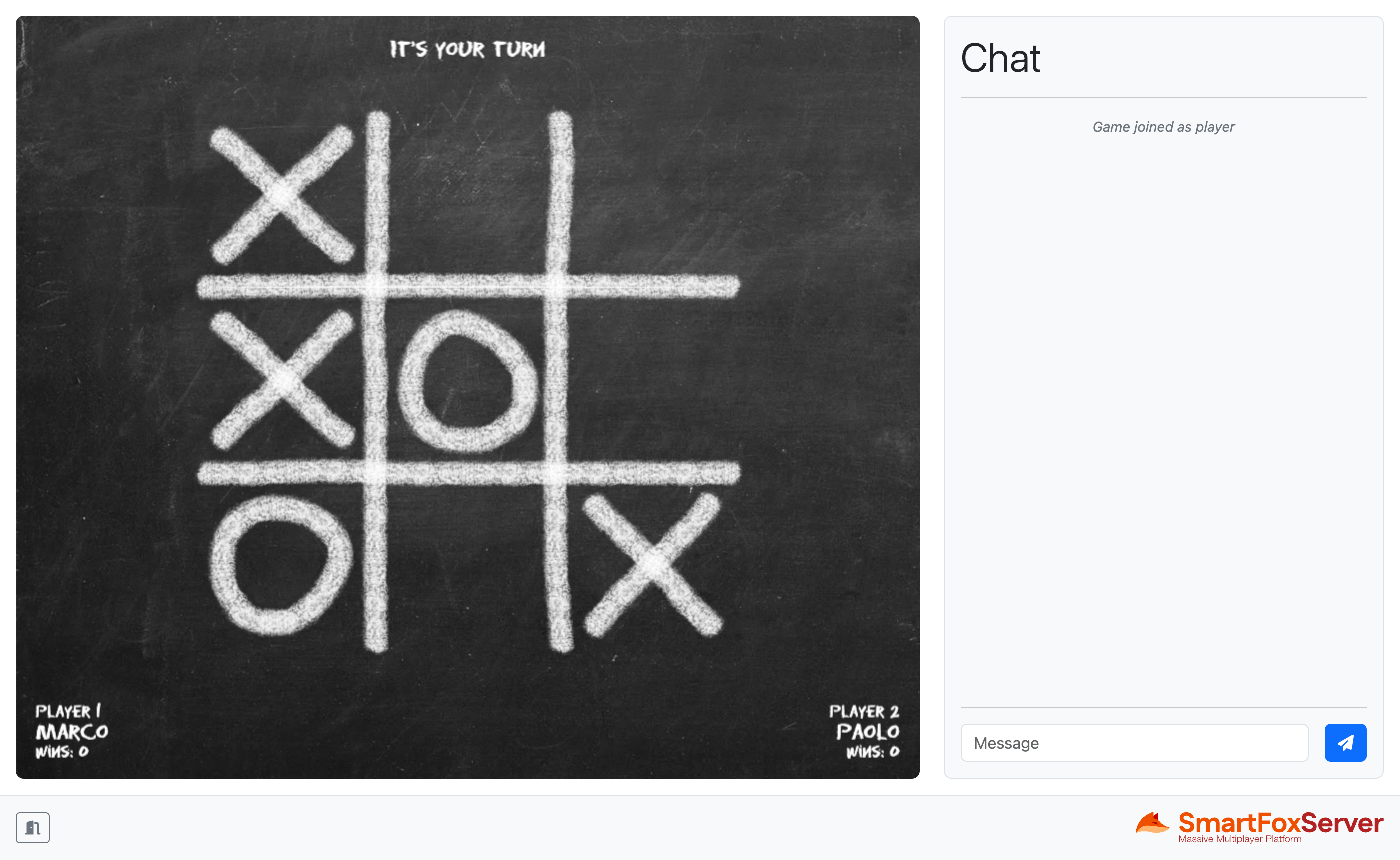
The Tic-Tac-Toe example shows how to develop a full multiplayer turn-based game for the browser with SmartFoxServer by implementing the well-known paper-and-pencil game for two players also known as Noughts and Crosses. In this game players take turns marking the spaces in a three-by-three grid with X or O; the player who succeeds in placing three of their marks in a horizontal, vertical or diagonal row is the winner.
The example expands the lobby application discussed in previous tutorials, to which we added the actual game assets and client logic updating the existing mock-up Game view.
This example features a server-side Extension which implements the main game logic: it determines if the game should start or stop, validates the player moves, updates the spectators if they join a game already in progress, checks if the victory condition is met, etc. Using a server-side Extension — or, in other words, having an authoritative server — is a more flexible and secure option with respect to keeping all the game logic on the client-side only. Even if SmartFoxServer provides powerful tools for developing application logic on the client, this approach can be limiting when your games start getting more complex. Additionally, keeping the game state on the server-side allows overall better security from hacking or cheating attempts. The server-side Extension is dynamically attached to the SFSGame Room when created; it updates the game state and sends game-related events back to the JavaScript client, which in turn updates the Game view accordingly.
This example also shows how to deal with two special features provided by Game Rooms: player indexes and spectators. Each user joining a Game Room is automatically assigned a unique player index which facilitates the tasks of starting and stopping the game, determining whose turn is it, etc. Spectators instead can replace players when they leave, by means of a dedicated client request.
In this document we assume that you already went through the previous tutorials, where we explained the subdivision of the application into three views, how to create an Application class to share the connection to SmartFoxServer among the controllers of those views and how to implement the buddy list, the match-making logic and invitations.
Source code
The writing of this tutorial is still in progress. We apologize for the inconvenience.