Lobby | Basics
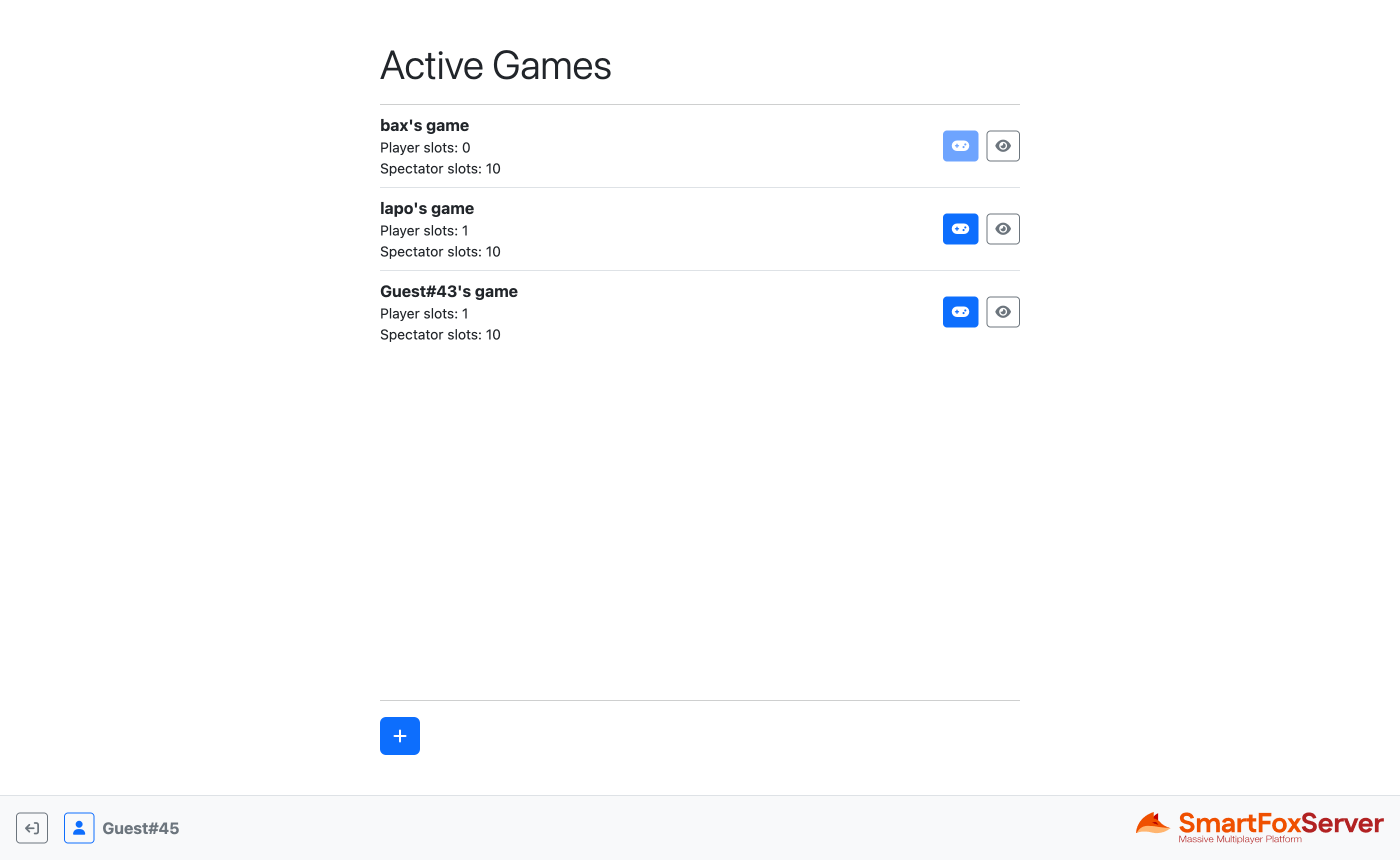
This tutorial is the first in a series of three in which we lay the foundations for a lobby application to be used as a template in multiplayer game development. A lobby is a staging area which players access before joining the actual game. In a lobby, users can usually customize their profile, chat with friends, search for a game to join or launch a new game, invite friends to play and more.
This first example of the series shows the basic structure of a multiplayer game, implemented as a single page application divided into three views: Login, Lobby and Game. The Login view is where the connection to SmartFoxServer is established and login performed. The Lobby view is the core of the example, where active games can be joined as either player or spectator, or a new game can be launched. Finally, the Game view acts as a placeholder for an actual game, but it also shows how to implement an in-game chat.
In this document we assume that you already went through the Connector tutorial. That's where the connection and login process is explained in great detail.
Source code
The writing of this tutorial is still in progress. We apologize for the inconvenience.